Compress a PDF to 500 KB
Drop a PDF here
PDF · one file, up to 50 MB
No file to hand?
or paste it here (Ctrl+V)
Nothing is uploaded: it all happens in this browser.
Before and after
The same two pages, before and after.
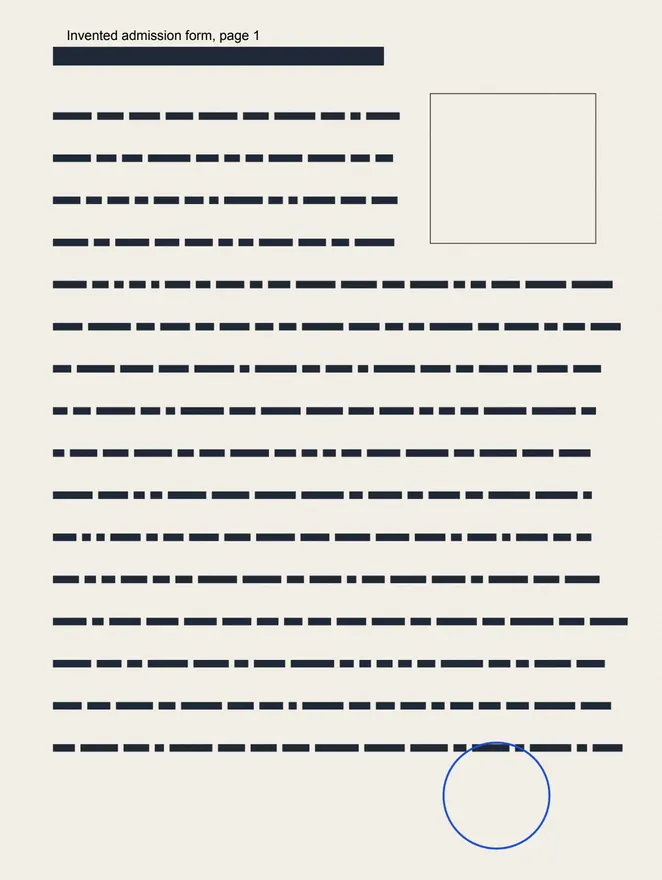 (opens the sample PDF in a new tab)
1.4 MB PDF · page 1 of 2, a scan with a line of selectable text
485,034 bytes · text still selectable
scans redrawn lighter, pages unchanged
What this tool does
Choose a PDF of up to 50 MB and 300 pages; the page starts at "500 KB", and you can pick another size. First the file is cleaned up without changing anything you see: hidden details, page thumbnails, attached files, leftover and duplicate objects go, and the rest is packed tighter. If that is not enough, the pictures and scans inside are redrawn lighter — fewer dots per inch and stronger JPEG compression, searched until the file fits — while the text and drawings stay exactly as they were, so the text can still be selected. Pictures are never taken below a readable 72 dots per inch. If the size still cannot be reached, the page tells you the smallest size it could make and offers that file; it can also turn every page into a picture, which is much smaller but leaves no selectable text, and it only does that if you say yes. Everything happens in your browser: the PDF is never uploaded, and no watermark is added.
What happens to your file
Your file never leaves your device. This page opens it, changes it and saves the result in your browser; nothing is uploaded, so there is no copy on our servers to delete.
No AI provider sees it either. The page sends us one count that a run happened — no file, no name, no size. Details on the privacy page.
Questions
Will the file really be under 500 KB?
Yes, when the page says it is: the file you download is at most 500,000 bytes, counted on the file itself, metadata included. Portals disagree about whether a KB is 1,000 or 1,024 bytes, so a maximum is counted in thousands — the smaller reading — and the file passes either way. If your PDF cannot get that small and stay readable, the page says so, tells you the smallest size it reached, and offers that file.
Is my PDF uploaded?
No. The PDF is opened, compressed and saved inside your browser tab with pdf-lib, a PDF library downloaded from this site when you choose the file. Nothing is uploaded and there is no copy on our servers; the only thing we are told is that a run happened — not the file, its name or its size.
Why can't every PDF reach every size?
Most of a PDF's weight is usually its pictures and scans, and those can be made much lighter. Text, fonts and drawings are already compact and are kept exactly, so a long text document may not shrink much. The page never makes pictures unreadable to hit a number: they stay at least 72 dots per inch. If the size is still out of reach it says so, gives you the smallest file it made, and offers to turn pages into pictures.
Can I still select and copy the text?
Yes, in almost every case. The tool first removes hidden weight and then makes the pictures inside lighter; the text is never touched, so it stays text you can select, search and copy. Only if the size still cannot be reached does the page offer to turn every page into a picture — it says plainly that the text will then not be selectable, and it only does it if you say yes. "Always keep text selectable", under More options, switches that offer off.
Is there a watermark, and what else changes?
No mark is drawn on any page. The file's metadata records that it was made at filedone.ai with no AI involved, under a provenance id. The file's own hidden details — title, author, the app that made it — are removed unless you tick "Keep title and author", and so are page thumbnails and attached files.
Related tools
- Compress a PDF to a size in KBReduce a PDF's size for free — as small as it goes, or under 100 KB, 200 KB, 500 KB or 1 MB for a portal. Nothing is uploaded; text stays selectable.
- Compress a PDF to 100 KBBring a PDF under 100 KB for an exam, job or government portal, without uploading it. Text stays selectable; only the pictures and scans inside are made lighter.
- Compress a PDF to 200 KBBring a PDF under 200 KB for an exam, job or government portal, without uploading it. Text stays selectable; only the pictures and scans inside are made lighter.
- Compress an image to 100 KBBring a JPG, PNG or WebP under 100 KB for an exam form or a portal, without uploading it. The picture is re-encoded on your own device.
- Convert PDF pages to JPG or PNG imagesTurn the pages of a PDF into JPG or PNG pictures at 72, 150 or 300 dpi — every page or just the ones you pick. It happens on your own device: the PDF is never uploaded.