Convert PDF pages to JPG or PNG images
Drop a PDF here
PDF · one file, up to 50 MB
No file to hand?
or paste it here (Ctrl+V)
Nothing is uploaded: it all happens in this browser.
Before and after
One PDF in, one picture per page out.
 (opens the sample PDF in a new tab)
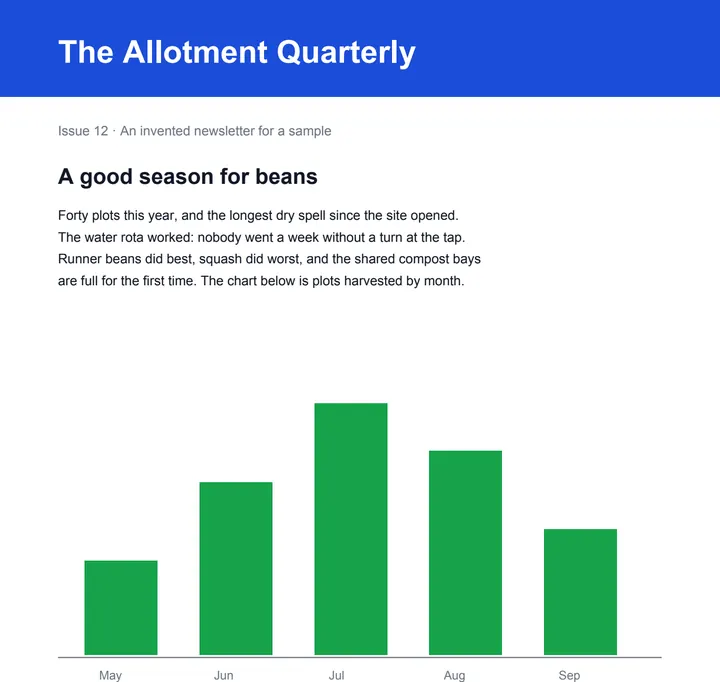
Page 1 of 2: text, a bar chart and a table.
newsletter-p1.jpg and newsletter-p2.jpg,
1240 × 1754 px each at 150 dpi.
What this tool does
Choose a PDF of up to 50 MB and 300 pages and this page draws each page you pick as a picture: JPG for photos and scans, PNG for text and line drawings, at 72, 150 or 300 dots per inch. Pick pages by tapping their thumbnails or by typing a range such as 1-3, 5. One page downloads as a picture; several download together as a zip, or one at a time, named after your file and the page number. Everything happens in your browser, with the PDF library downloaded to your device when you choose the file: nothing is uploaded. A page too large for a phone's canvas at the DPI you chose is drawn at the highest DPI that fits, and the result says so. There is no AI in it and no mark on your pictures; their metadata records that they were made at filedone.ai, with no AI involved.
What happens to your file
Your file never leaves your device. This page opens it, changes it and saves the result in your browser; nothing is uploaded, so there is no copy on our servers to delete.
No AI provider sees it either. The page sends us one count that a run happened — no file, no name, no size. Details on the privacy page.
Questions
Is my PDF uploaded?
No. The pages are drawn by your browser, on your device, with pdf.js — the PDF library that Firefox uses — downloaded from this site when you choose the file. The only thing we are told is that a run happened, not the file, its name or its pages.
Which resolution should I choose?
150 dpi for a screen, an email or an upload form: an A4 page comes out 1240 × 1754 pixels. 300 dpi to print, or to zoom into small text. 72 dpi for a quick, small preview.
JPG or PNG?
JPG for scans and pages full of photos: much smaller files. PNG for pages of text, tables and line drawings: exact edges, larger files.
Is there a limit?
One PDF at a time, up to 50 MB and 300 pages. A PDF with a password has to be opened in your PDF reader and saved without it first. Very large pages — engineering drawings, posters — are drawn at the highest DPI a phone's canvas can hold (about 16.7 megapixels a page), and the result says which pages were.
Is there a watermark?
No mark is drawn on any picture. Each one's metadata says it was made at filedone.ai with no AI involved and carries a provenance id; that is all, and it is invisible in the picture.
Related tools
- Convert JPG or PNG images to a PDFPut photos, scans and screenshots into one PDF, a page each, in the order you choose. It happens on your own device: the pictures are never uploaded.
- Compress a PDF to a size in KBReduce a PDF's size for free — as small as it goes, or under 100 KB, 200 KB, 500 KB or 1 MB for a portal. Nothing is uploaded; text stays selectable.
- Convert PDF to WordTurn a PDF into an editable Word (.docx) file with its fonts, colours and tables. Pages with text are free with a free account; a scanned page is 1 credit.
- Convert a PDF table to ExcelExtract the tables from a PDF into Excel, every value in its own cell, merged cells kept and doubtful cells flagged. Your file is deleted after two hours.
- Turn a screenshot of a table into ExcelUpload a screenshot or a photo of a table and get the rows and columns back as a spreadsheet you can sort and sum. Your file is deleted after two hours.
Convert & shrink files
- Compress an image to a target size in KB
- Resize an image by pixels, percent or centimetres
- Convert an image to JPG, PNG or WebP
Guides and free sample files
- How to extract a table from a scanned PDF to Excel · guide
- Sample multi-page scanned PDF · free sample file
- Sample bank statement PDF · free sample file