Convert an image to JPG, PNG or WebP
Drop pictures here
PNG, JPG, WebP, HEIC, AVIF, SVG, GIF or BMP · up to 10 files, 12 MB each
No file to hand?
or paste it here (Ctrl+V)
Nothing is uploaded: it all happens in this browser.Your picture’s hidden details (camera, GPS location, date) are not kept in the download.
Before and after
The same photo, before and after.
5.7 KB AVIF · 1200 × 900 px
an invented street at dusk
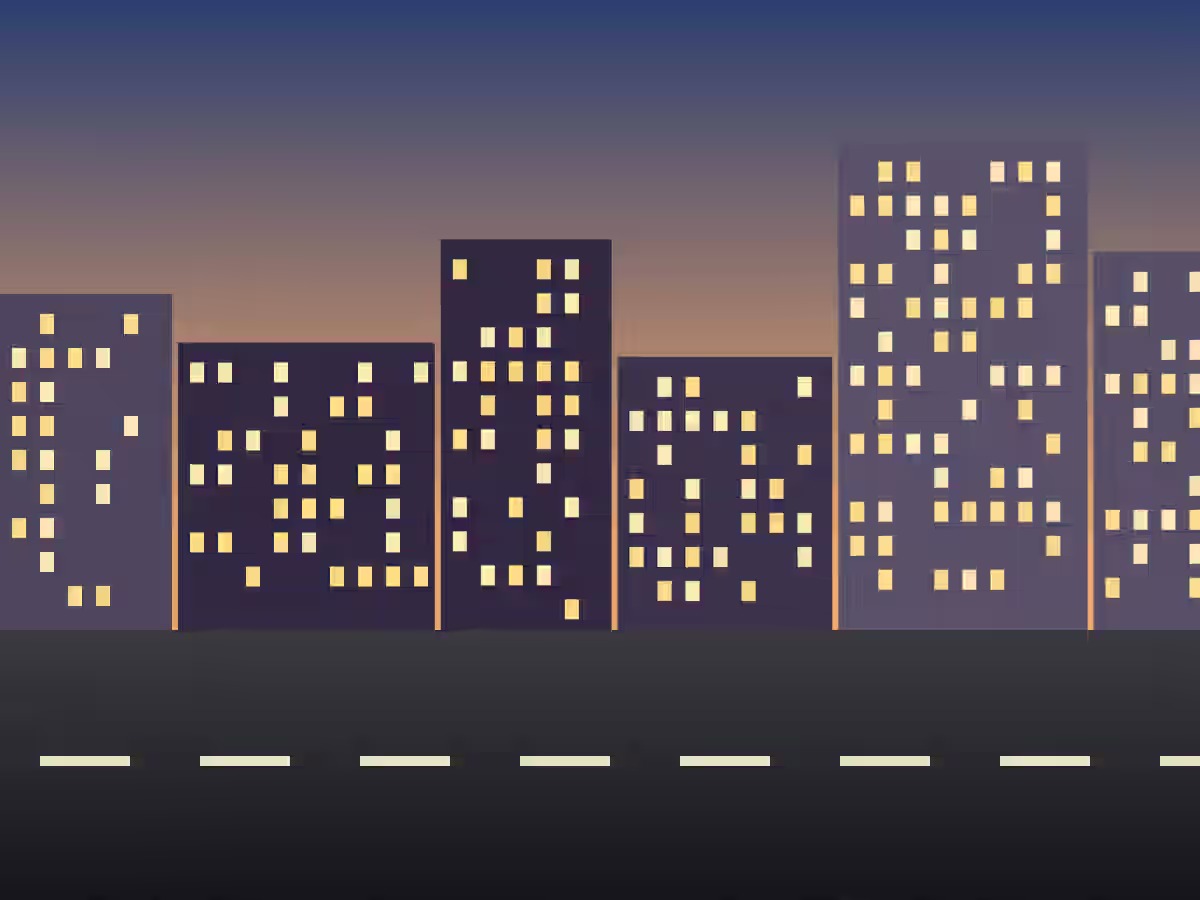 (opens the recorded result in a new tab)
95.7 KB JPG · 1200 × 900 px quality 92, opens anywhere
What this tool does
Choose one picture, or up to ten, and the format to turn them into: JPG, PNG or WebP. The page reads what each file really is from its first bytes, whatever its name says. JPG, PNG, WebP, GIF and BMP open in any browser; AVIF opens in current Chrome, Edge, Firefox and Safari, and the page says so where it cannot; HEIC opens in a recent Safari, and everywhere else through libheif, an open-source decoder (LGPL-3.0) this site serves with its licence and source beside it (/heif/1.23.2/SOURCE.txt); an SVG is drawn afresh at the width you pick. A GIF gives its first frame and a HEIC its main picture. A JPG cannot be see-through, so transparent areas are filled with white or a colour you choose. With several pictures the first is shown, and "Download all" gives you one zip. Nothing is uploaded, no watermark is added, and hidden details (camera, location, date) are not copied.
What happens to your file
Your file never leaves your device. This page opens it, changes it and saves the result in your browser; nothing is uploaded, so there is no copy on our servers to delete.
No AI provider sees it either. The page sends us one count that a run happened — no file, no name, no size. Details on the privacy page.
Questions
Does my picture get uploaded?
No. The page opens each picture, converts it and saves the result inside your browser tab; nothing is uploaded and there is no copy on our servers. The HEIC decoder, when it is needed, is loaded from this site. The only thing the page sends us is a count that a conversion happened — no picture, no file name, no size.
Which formats can it open?
JPG, PNG, WebP, GIF, BMP and SVG in any current browser; AVIF where your browser can open it (current Chrome, Edge, Firefox and Safari can — if yours cannot, the page says so); and HEIC or HEIF, the iPhone's photo format, everywhere. An animated GIF gives its first frame, and a HEIC that holds several pictures gives its main one.
Which format should I choose?
JPG for photos you will share, send or upload to a form: small, and it opens everywhere. PNG for screenshots, logos and anything that must stay exact or see-through. WebP for a website: smaller than both, and every current browser shows it.
Can I convert many pictures at once, of different types?
Yes, up to ten at a time, and they can be mixed — a HEIC, a PNG and a WebP together. They all become the format you choose. The first is shown so you can check it, and "Download all" gives you a single zip; a file that will not open is named and left out.
Does it add a watermark or change anything else?
No visible mark or watermark is added, and each picture keeps its size in pixels (an SVG takes the width you pick; anything over 16 megapixels is brought down to 16). Hidden details — camera, location, date — are not copied. The file does carry a small metadata record (XMP) saying it was made with filedone.ai with human edits and no AI, with a provenance id.
Related tools
- Convert HEIC to JPGConvert iPhone HEIC photos to JPG free — up to ten at once, with no sign-up and no watermark. It runs in your browser, so nothing is uploaded.
- Convert PNG to JPGChange a PNG into a JPG for a form, a portal or an email. See-through areas become white, or a colour you pick. One picture or ten at once; nothing is uploaded.
- Convert WebP to JPGSaved a WebP from a website and it will not open or upload? Turn it into a JPG that works everywhere. One picture or ten at once, in your browser.
- Convert SVG to PNGTurn an SVG logo or icon into a sharp PNG at the width you choose — 512, 1024, 2048 pixels or any size — with its see-through background kept. In your browser; nothing is uploaded.
- Convert JPG or PNG to WebPMake lighter images for a website or a blog: convert JPG and PNG to WebP at a quality you choose. One picture or ten at once, in your browser; nothing is uploaded.
- Compress an image to a target size in KBMake a photo smaller than 20, 50, 100 or 200 KB — or any size you type — without uploading it. Or pick a quality and see the size first.
- Resize an image by pixels, percent or centimetresResize a JPG, PNG or WebP to exact pixels, a percentage, or a printed size in cm, mm or inches at any dpi. Runs in your browser; nothing is uploaded.