Convert PNG to JPG
Drop pictures here
PNG · up to 10 files, 12 MB each
No file to hand?
or paste it here (Ctrl+V)
Nothing is uploaded: it all happens in this browser.Your picture’s hidden details (camera, GPS location, date) are not kept in the download.
Before and after
The same sticker, before and after.
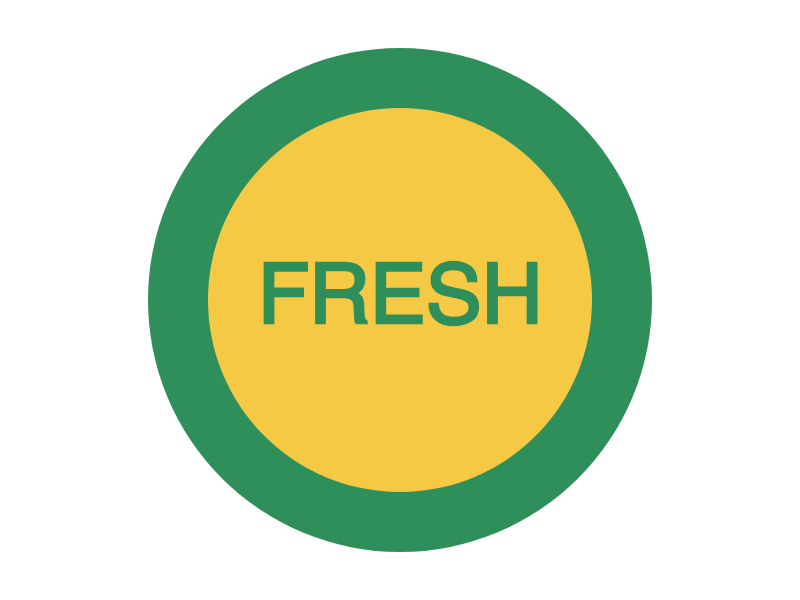 (opens the sample image in a new tab)
24.4 KB PNG · 800 × 600 px see-through around the circle
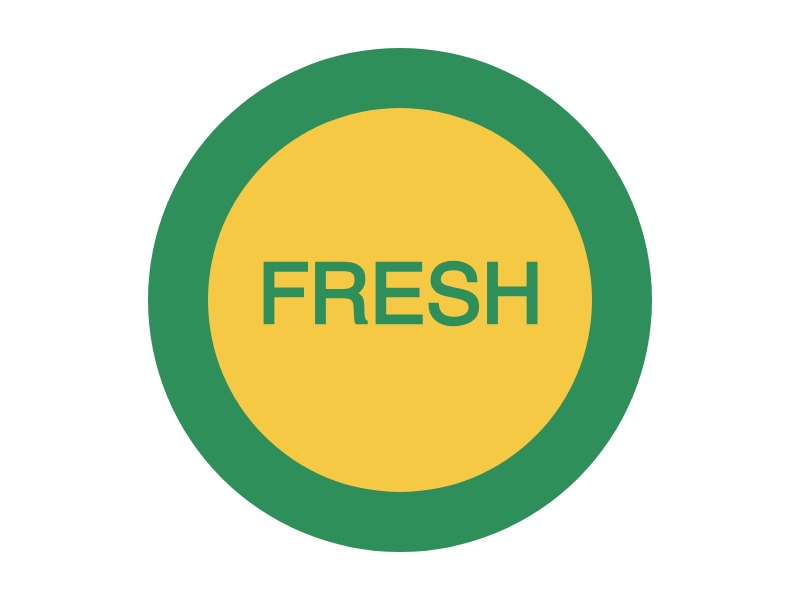 (opens the recorded result in a new tab)
28.7 KB JPG · 800 × 600 px white where it was see-through, quality 92
What this tool does
Choose one PNG, or up to ten. Each is drawn onto a canvas at its own size, pixel for pixel, and saved as a JPG at quality 92 (you can change it under More options). A JPG cannot be see-through, so any transparent area — the corners of a logo, a sticker's background — is filled with white, or with black or any colour you choose; the page asks when your picture has such areas. With several pictures the first is shown, and "Download all" gives you every JPG in one zip. You can also switch the result to PNG or WebP at the top. Nothing is uploaded and no watermark is added.
What happens to your file
Your file never leaves your device. This page opens it, changes it and saves the result in your browser; nothing is uploaded, so there is no copy on our servers to delete.
No AI provider sees it either. The page sends us one count that a run happened — no file, no name, no size. Details on the privacy page.
Questions
Does my picture get uploaded?
No. The page opens the picture, converts it and saves the JPG inside your browser tab; nothing is uploaded and there is no copy on our servers. The only thing the page sends us is a count that a conversion happened — no picture, no file name, no size.
What happens to a transparent background?
A JPG cannot be see-through, so transparent areas are filled with a colour — white unless you choose black or another colour, so it never comes out as an accidental black box. To keep the see-through areas, choose PNG or WebP instead.
Will the JPG look worse than the PNG?
JPG saves a little detail to make the file smaller; at quality 92, the default, the difference is hard to see in a photo. Sharp text and flat colours (a screenshot, a logo) can show faint edges; raise the quality to 100 under More options, or keep PNG for those.
Can I convert many PNGs at once?
Yes, up to ten at a time. Choose or drop them together: the first is shown so you can check it, and "Download all" converts every one with the same settings and gives you a single zip.
Does it add a watermark or change anything else?
No visible mark or watermark is added, and the picture keeps its size in pixels. The file does carry a small metadata record (XMP) saying it was made with filedone.ai with human edits and no AI, with a provenance id; any other hidden details the PNG had are not copied.
Related tools
- Convert JPG to PNGSave a JPG or JPEG as a PNG, pixel for pixel, for a design tool or a site that asks for PNG. One picture or ten at once, in your browser; nothing is uploaded.
- Convert an image to JPG, PNG or WebPOne free converter for any picture: HEIC, WebP, AVIF, SVG, GIF, BMP, PNG or JPG in; JPG, PNG or WebP out. Many at once, in your browser; nothing is uploaded.
- Compress an image to a target size in KBMake a photo smaller than 20, 50, 100 or 200 KB — or any size you type — without uploading it. Or pick a quality and see the size first.
- Remove the background from an imageRemove the background from a photo for free, with no upload and no sign-up: the AI runs in your browser. Get a transparent PNG, or white or any colour.
- Resize an image by pixels, percent or centimetresResize a JPG, PNG or WebP to exact pixels, a percentage, or a printed size in cm, mm or inches at any dpi. Runs in your browser; nothing is uploaded.
Convert an image
- Convert HEIC to JPG
- Convert HEIC to PNG
- Convert WebP to JPG
- Convert WebP to PNG
- Convert JPG or PNG to WebP
- Convert SVG to PNG