Edit a flyer — change the text or the colours
Edit a flyer — change the text or the colours
Drop a PDF or a picture here
It opens on this page. Click any words to change them, or say what should change.
PDF, PNG, JPG or WebP · one file
or paste it here (Ctrl+V)
Nothing is uploaded until you make a change with the AI, or download.
Before and after
One colour on a flyer changed; every letter on it is the original pixels.
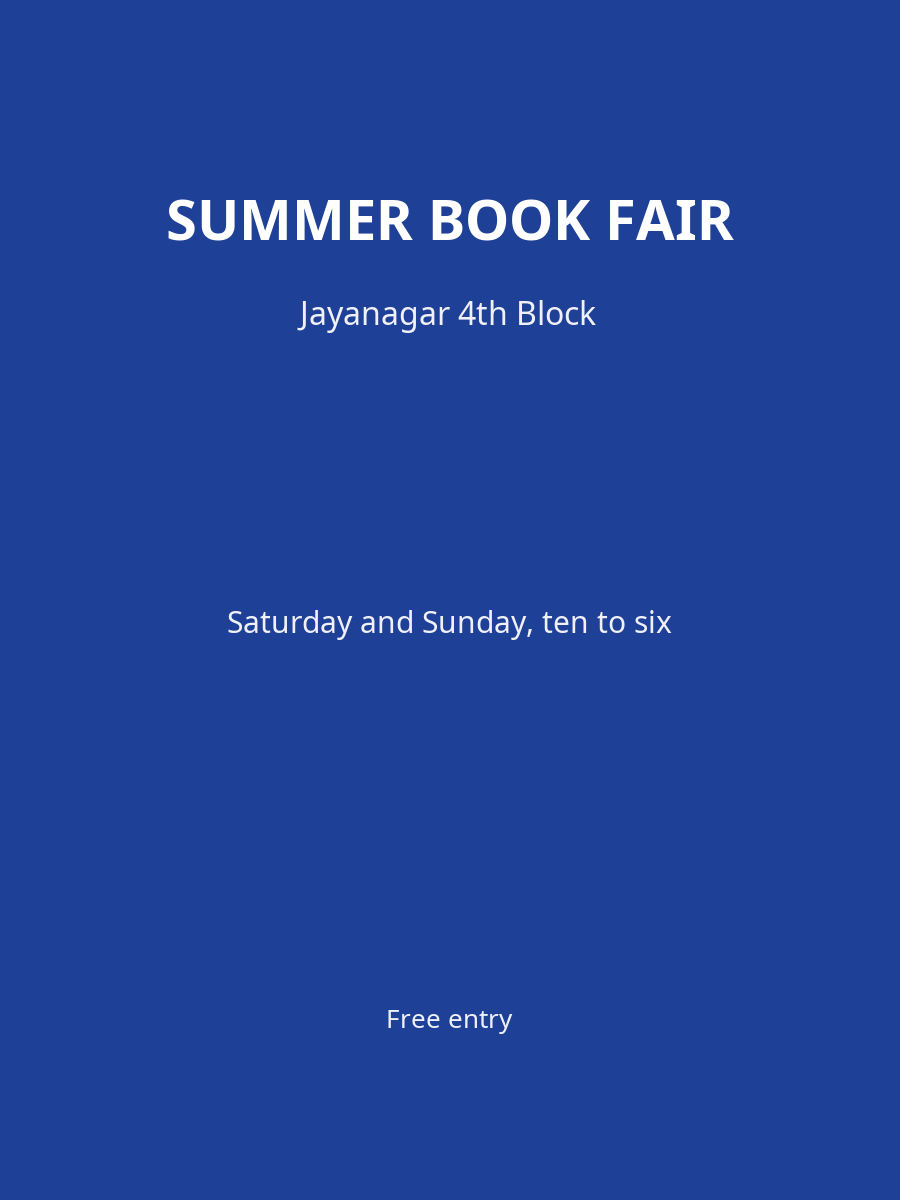 (opens the sample image in a new tab)
Background: blue Lettering: white
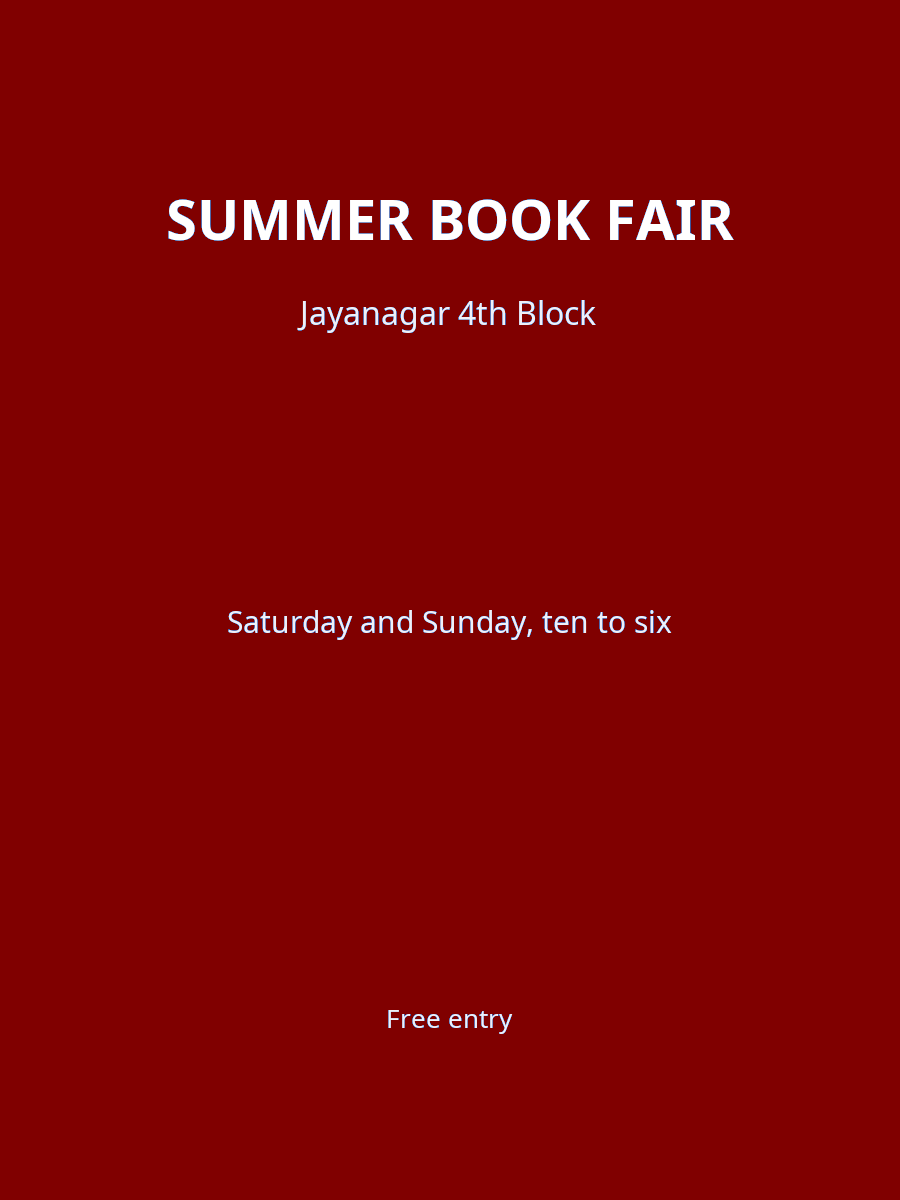 (opens the recorded result in a new tab)
Background: maroon Lettering: white (untouched)
What this tool does
This tool changes a flyer you already have without rebuilding it. Upload it as a PDF or an image and say what should change: a date, a time, a venue, a name, a colour, or the logo, which you can upload beside it. Text you replace is painted out to match the background around it and the new words are drawn in the nearest matching font, in any of ten languages. A colour change touches only the colour you named — white lettering on a blue background stays white when the blue becomes maroon. Everything you did not ask to change keeps its original pixels, faces are never painted over or altered, and the file comes back at the resolution you uploaded. Every image you download says it was edited with AI in its metadata; there is no visible mark on the image.
If this image shows a real person, the result is an AI-manipulated image of that person. It is labelled as AI-edited in its metadata, and you are responsible for having their consent.
What happens to your file
Deleted from our servers after 2 hours. We do not train AI on your files, and the terms of our AI providers do not allow them to; they may keep request logs for up to 55 days, longer for a request they flag for abuse.
Uploads and outputs are deleted after 2 hours, whether or not you download them. Provider request logs are kept for at most 55 days. Details on the privacy page.
Questions
Is the edited flyer marked as AI-edited?
Yes, in the file's metadata: every image you download says it was edited with AI there, with a unique identifier, a signed provenance record and an imperceptible watermark. There is no visible mark on the image itself, so if you share it, say that it was edited with AI. The metadata is not optional and we do not offer a way to remove it.
Will a colour change spoil the text or the photos?
It should not. A recolour changes only pixels close to the colour you named; lettering in a different colour is left alone, and photographs and faces on the flyer are excluded from the change entirely.
What does it cost?
12 credits a design. The price is shown before anything runs, and nothing is charged for a run that does not finish. The file you get is at the resolution you uploaded — full resolution, never upscaled.
Do I need an account?
Yes. Every run costs credits, so every run needs an account. Signing up is free, and new accounts get 20 credits — enough for one design at 12 credits a design, returned at full resolution.
Why do I have to tick a box when my flyer has people in it?
Because you are changing a picture of real people, and we need you to confirm you have the right to use the image and the consent of the people in it. The box appears only when the upload check finds a face, and the run does not start without it.
Related tools
- Edit the text on a poster, flyer or invitationChange a name, a date or a venue on a finished design — PDF, PNG or JPEG — and get the same design back with only those words changed. Your file is deleted after two hours.
- Edit the text in a PDFSay what should change — a date, a name, a price — and get the same PDF back with those words rewritten in place, matching the font. Removed from our servers after 2 hours.