Resize a photo and signature for an exam form
Make your photo and signature fit an exam form's limits in KB and pixels (SSC, IBPS, UPSC, NEET or PAN), free in your browser. Our sample came out at 200 × 230 px and 27.8 KB for IBPS.
Drop a picture here
PNG, JPG or WebP · one file, up to 12 MB
No file to hand?
or paste it here (Ctrl+V)
Nothing is uploaded: it all happens in this browser.Your picture’s hidden details (camera, GPS location, date) are not kept in the download.
How to resize a photo and signature for an exam form
- Choose the form (SSC, IBPS, UPSC, NEET, PAN or any portal) and whether you are uploading the photo or the signature. The board's notice and the day it was checked are shown.
- Choose the picture. A photo is cropped to the form's shape and sized; a signature is cropped to the ink, with the paper made white. Then the best JPEG quality inside the KB range is found.
- Check the size and pixels shown, then download. Where a board needs a file name, such as UPSC's photo and signature, the download already has it.
Before and after
The same picture, before and after sizing it for IBPS.
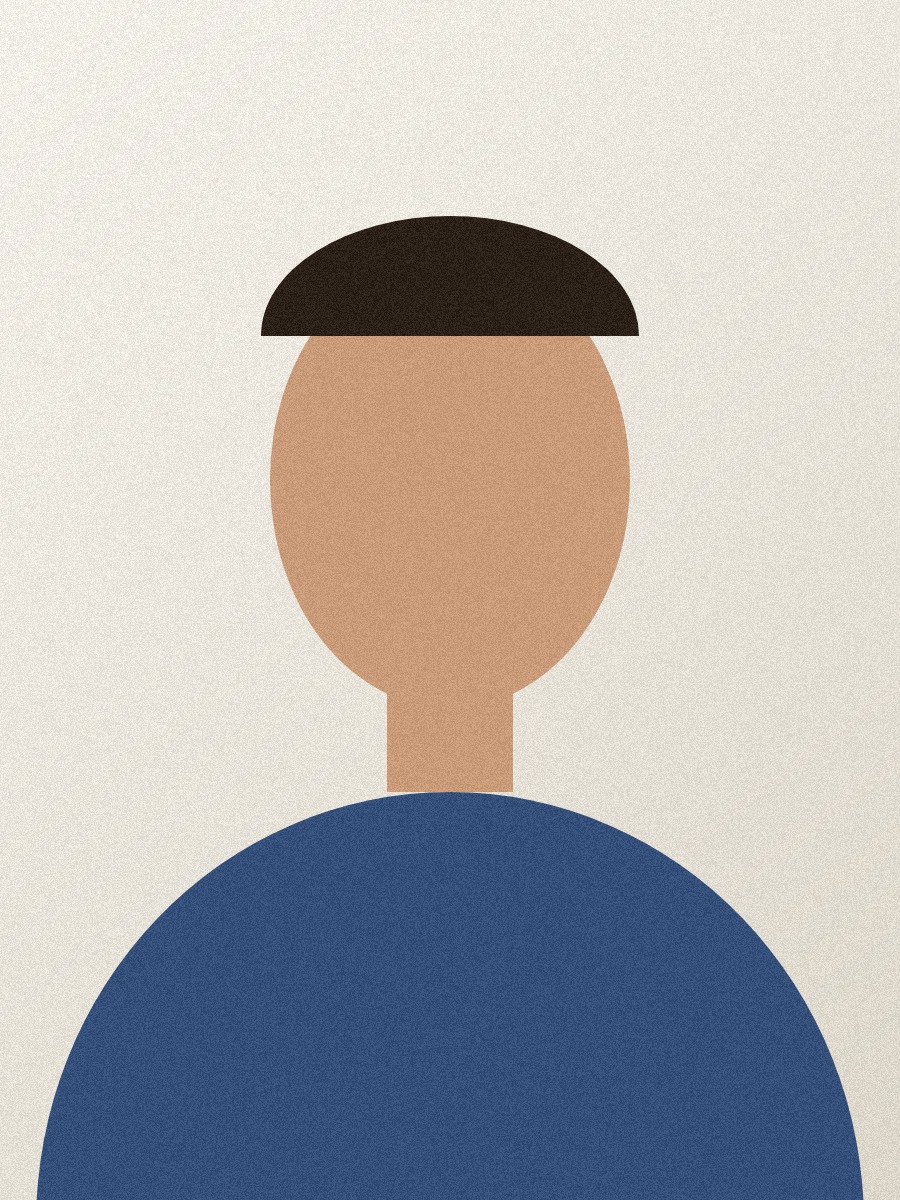 (opens the sample image in a new tab)
900 × 1200 px · 361 KB JPEG too big in both pixels and KB
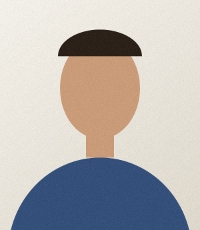 (opens the recorded result in a new tab)
200 × 230 px · 27.8 KB JPEG inside IBPS's 20–50 KB, quality 100
What this tool does
Choose the form — SSC, IBPS, UPSC, NEET, a PAN application, or "any portal" — and whether you are uploading the photo or the signature, and the tool makes a JPEG inside that form's size limits. A photo is centre-cropped to the form's shape and sized in pixels, or in centimetres at the dpi the form gives, and then the highest quality that fits the KB range is found. A signature is cropped to the ink, the paper made white and the ink darker (or pure black and white, if you tick it), fitted whole inside the form's size, and then fitted to the KB range. Every number comes from the board's official notice, which the page links with the date it was checked; rules change, so check the current notice before you apply. Where a board needs a particular file name (UPSC: photo, signature), the download has it. Everything happens in your browser: nothing is uploaded and no watermark is added.
The sizes each form asks for
Every number is from the board's own notice, checked on 23 September 2026. Boards change their rules between notices, so read the current notice before you apply; the page links it.
| Form | Photo | Signature |
|---|---|---|
| SSC (CGL, CHSL) | Taken live in the form, no file | 10–20 KB, about 6 × 2 cm |
| IBPS PO / Clerk | 20–50 KB, 200 × 230 px preferred | 10–20 KB, 140 × 60 px preferred |
| UPSC (common application form) | 20–200 KB, file named photo | 20–100 KB, file named signature |
| NEET UG | 10–200 KB | 10–100 KB |
| PAN (Protean) | Up to 20 KB, 25 × 35 mm | Up to 10 KB, 45 × 20 mm |
| Any portal | Up to 50 KB | Up to 20 KB |
What our sample photo became
Our sample is a drawn head-and-shoulders shape on a plain backdrop, not a photo of anyone: 900 × 1200 pixels, 369,493 bytes. For the IBPS photo it came out at 200 × 230 pixels and 28,500 bytes (27.8 KB), inside IBPS's 20–50 KB, at JPEG quality 100: the picture was small enough that the best quality fitted.
Why a form says the KB is wrong when the file looks right
Forms disagree about whether a KB is 1,000 or 1,024 bytes. This page counts a maximum in thousands and a minimum in 1,024s, the stricter reading each way, so a file it makes passes whichever the form uses. If a photo has too little detail to reach a minimum, the page says so rather than padding the file.
What happens to your file
Your file never leaves your device. This page opens it, changes it and saves the result in your browser; nothing is uploaded, so there is no copy on our servers to delete.
No AI provider sees it either. The page sends us one count that a run happened — no file, no name, no size. Details on the privacy page.
Questions
Which forms does it know?
SSC (CGL and CHSL — the signature only, because SSC takes your photo live with your camera inside its own form), IBPS PO and Clerk, UPSC's common application form, NEET UG and a PAN application through Protean, plus a general "any portal, up to 50 KB". Each one shows its sizes, the notice they came from and the day they were checked.
Where do the sizes come from, and are they current?
From each board's own notice: the SSC CGL 2026 notice, the IBPS 2026 notifications, UPSC's photo and signature instructions, the NEET UG 2026 bulletin and Protean's PAN guidelines, checked on 23 September 2026. Boards change their rules between notices, and a wrong size can get an application rejected, so read the current notice before you apply — the page links it.
My photo comes out under the minimum. What happens?
The tool raises the JPEG quality as far as 100 first. Where the notice calls its pixel size "preferred" (IBPS), it may enlarge the picture once, by at most one and a half times. If the photo still has too little detail to reach the minimum, the page says so plainly and offers the file anyway — it never pads the file with junk to reach a number.
What does it do to a signature?
It finds the ink (anything darker than the paper by a clear margin), crops to it with a small margin, turns the paper white and the ink darker, and fits the whole signature inside the form's size on white, so nothing is cut off. "Pure black and white" makes every pixel either ink or paper. Sign in black ink on white paper, as the boards ask.
Does my photo get uploaded?
No. The page opens the picture, changes it and saves the result inside your browser tab; nothing is uploaded and there is no copy on our servers. The only thing the page sends us is a count that a run happened — no picture, no file name, no size.
Related tools
- Compress an image to a target size in KBMake a photo smaller than 20, 50, 100 or 200 KB — or any size you type — without uploading it. Or pick a quality and see the size first.
- Compress an image to 50 KBBring a JPG, PNG or WebP under 50 KB for an exam form or a portal, without uploading it. The picture is re-encoded on your own device.
- Resize an image by pixels, percent or centimetresResize a JPG, PNG or WebP to exact pixels, a percentage, or a printed size in cm, mm or inches at any dpi. Runs in your browser; nothing is uploaded.
- Convert HEIC to JPGConvert iPhone HEIC photos to JPG free — up to ten at once, with no sign-up and no watermark. It runs in your browser, so nothing is uploaded.
- Compress a PDF to a size in KBReduce a PDF's size for free — as small as it goes, or under 100 KB, 200 KB, 500 KB or 1 MB for a portal. Nothing is uploaded; text stays selectable.
- Remove the background from an imageRemove the background from a photo for free, with no upload and no sign-up: the AI runs in your browser. Get a transparent PNG, or white or any colour.