Add a watermark to a PDF — words or a logo
Drop a PDF here
PDF · one file, up to 50 MB
No file to hand?
or paste it here (Ctrl+V)
Nothing is uploaded: it all happens in this browser.
Before and after
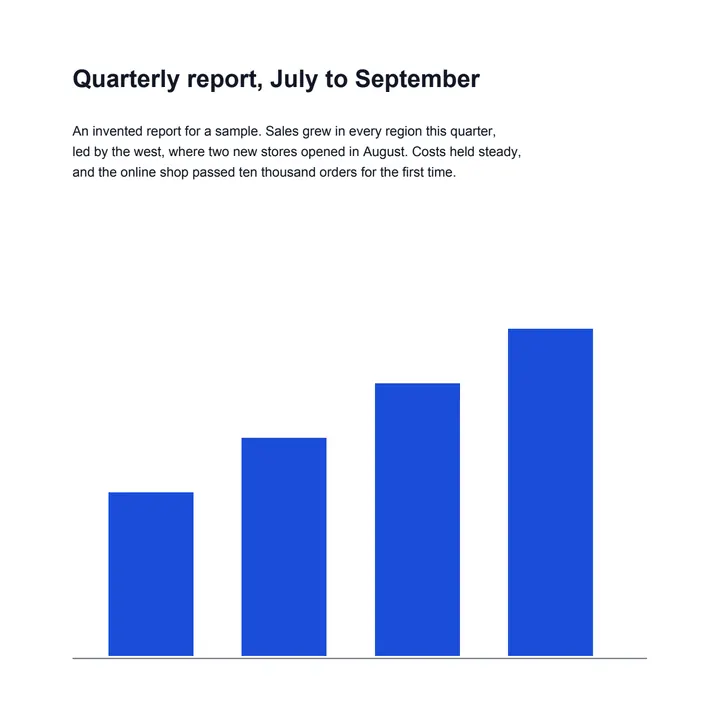
The same report, marked.
 (opens the sample PDF in a new tab)
Page 1 of the invented report
CONFIDENTIAL across each page,
grey, diagonal, a quarter solid.
What this tool does
Choose a PDF of up to 50 MB and 300 pages. Type the words for the watermark — CONFIDENTIAL to start with — or choose a picture, such as a logo or a stamp, and pick one mark across the middle or marks tiled over the whole page. The page shows the watermark at once, and the watermarked PDF is ready to download as you go. Under More options you can set its size, angle, colour and how see-through it is, place a single mark in a corner or along an edge, and mark only some pages. English and Western European words are written as real text, sharp at any zoom; words in Hindi or other scripts are drawn as a picture in your device's font. The watermark is drawn into each page, on top of what is there. Everything happens in your browser: the file is not uploaded, and nothing else is added.
What happens to your file
Your file never leaves your device. This page opens it, changes it and saves the result in your browser; nothing is uploaded, so there is no copy on our servers to delete.
No AI provider sees it either. The page sends us one count that a run happened — no file, no name, no size. Details on the privacy page.
Questions
Can I use my logo as the watermark?
Yes. Choose Picture and pick a PNG or JPG. A PNG with a transparent background keeps it, so only the logo shows; set its size, angle and how see-through it is under More options. It is placed on every page you choose, embedded in the file once.
Is my PDF uploaded?
No. The PDF is drawn and marked in your browser with pdf.js and pdf-lib, downloaded from this site when you choose the file. The only thing we are told is that a run happened — not the file, its name or your watermark.
Can a watermark be removed?
Not by a reader: it is drawn into each page's content, on top, not added as a comment or a layer that can be switched off. Someone with a PDF editing program can still edit page content, as with any PDF, so a watermark discourages copying rather than preventing it. To stop the file being opened at all, protect it with a password as well.
Can I mark only some pages, or put the mark in a corner?
Yes. Under More options, write the pages — for example 1-3, 5 — and choose where a single mark sits: the centre, a corner or the middle of an edge. Tiled marks cover the whole of every page you choose.
Which languages can the words be in, and is anything else added?
English and Western European letters, digits and common punctuation are written as real text in the PDF's own font, so they stay sharp at any zoom. Words in Hindi or other scripts, or with the rupee sign, are drawn as a picture in your device's font. Nothing else is drawn; the file's metadata records that it was made at filedone.ai with no AI involved.
Related tools
- Sign a PDF — draw, type or upload your signaturePut your signature and the date on any page of a PDF: draw it with a finger or a mouse, type your name in a handwriting font, or upload a photo of it. Free, and nothing is uploaded.
- Protect a PDF with a password (AES-256)Lock a PDF with a password before you email or upload it, and stop printing, copying or changes if you want. AES-256, done on your own device: the file and the password never leave it.
- Redact a PDF — remove Aadhaar, PAN and account numbers for goodBlack out Aadhaar, PAN, IFSC, account and card numbers, phones and emails in a PDF, or any word, area or page. Marked text is removed from the file, not covered, and the PDF is never uploaded.
- Compress a PDF to a size in KBReduce a PDF's size for free — as small as it goes, or under 100 KB, 200 KB, 500 KB or 1 MB for a portal. Nothing is uploaded; text stays selectable.