Fill in a PDF form — type your answers, tick the boxes
Drop a PDF here
It opens on this page. Click any words to change them, or say what should change.
PDF · one file
No file to hand?
or paste it here (Ctrl+V)
Nothing is uploaded until you make a change with the AI, or download.
Before and after
The same form, filled in.
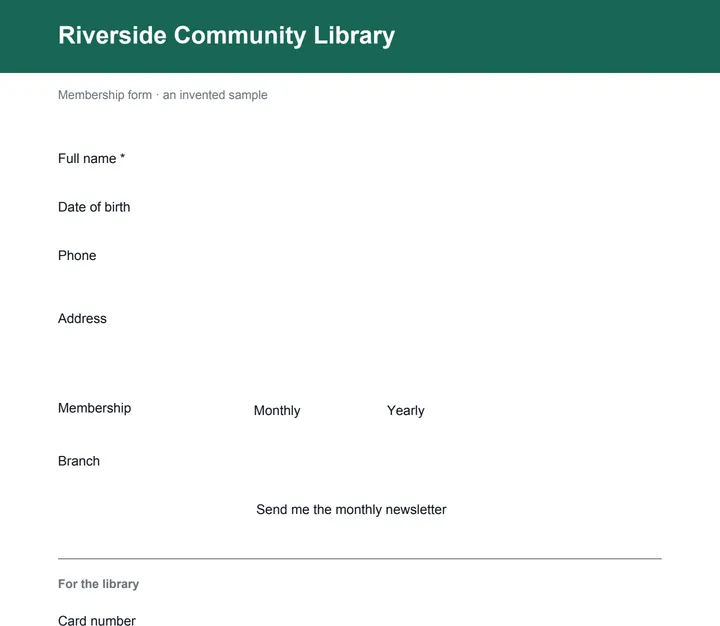 (opens the sample PDF in a new tab)
The invented membership form
Every answer typed or ticked,
flattened into the page.
What this tool does
Choose a PDF form of up to 50 MB and 300 pages — one with boxes a PDF reader lets you type into, like an application or a membership form. The page shows each page with its fields outlined and lists the fields page by page, each under its own label: type your answers, tick the boxes, pick from the lists. Click a box on the page to jump to its answer. Fields the form's author locked are shown but cannot be changed, and a required field left empty is named. The filled PDF is made as you type. It is flattened unless you untick it: the answers become part of the pages, so they cannot be changed in a reader. Answers are written in a plain built-in font that covers English letters, digits and common signs. Everything happens in your browser: the form and your answers are not uploaded, and no mark is added.
What happens to your file
Your file never leaves your device: this page opens it, changes it and saves the result in your browser, and nothing is uploaded. Only an AI action uploads it, when you run one, and its price is shown first.
Your file is uploaded to our server only when you make the AI change, and it is deleted there after 2 hours. Until then, and for what you add yourself, it stays in your browser.
Your file was uploaded to our server for the change you made there, and it is deleted there after 2 hours, whether or not you download anything. What you add by hand is still made in your browser.
No AI provider sees it unless you run an AI action. The page sends us one count that a run happened — no file, no name, no size. Details on the privacy page.
An AI action sends the file on to an AI provider to make the change, and we do not use files for training. Uploads and outputs are deleted after 2 hours, whether or not you download them. Provider request logs are kept for at most 55 days. Details on the privacy page.
Questions
Is my form uploaded?
No. The form is read and filled in your browser with pdf.js and pdf-lib, which download from this site when you choose the file. Your answers never leave the page, and the only thing we are told is that a run happened — not the file, its name or anything you typed.
My PDF has no boxes to type into. What can I do?
Then it has no fillable fields — it is a picture of a form, or a form made to be printed — and the page says so. You can still write on it: Add text to a PDF types your words anywhere on the page, and Sign PDF puts your signature and the date on it. A form only Adobe Reader can fill (an XFA form) is named as such.
What does “flatten” do?
It draws your answers into the pages and removes the form's boxes, so the file looks the same in every reader and nobody can change an answer by clicking on it. It is on by default. Untick it to keep the form fillable — the boxes stay, holding your answers.
Can I write my answers in Hindi or another Indian language?
Not into a form's boxes yet: they are filled in a plain built-in font that writes English letters, digits and common signs, and the page tells you which answer it cannot write rather than putting boxes in its place. Write that answer in English letters for now.
Some boxes are grey, and one says it is required. Why?
The form's author locked the grey ones — often "for office use" — so this page shows what they hold and does not change them. A required field left empty is named above the download; the PDF is still made, but whoever asked for it may send it back.
Related tools
- Add text, a signature or a picture to a PDF — freeType anywhere on a PDF, white-out, highlight, draw, tick a box, add the date, your signature or a picture, and download it with everything drawn in. Free, in your browser; nothing is uploaded.
- Edit the text in a PDFSay what should change — a date, a name, a price — and get the same PDF back with those words rewritten in place, matching the font. Removed from our servers after 2 hours.
- Sign a PDF — draw, type or upload your signaturePut your signature and the date on any page of a PDF: draw it with a finger or a mouse, type your name in a handwriting font, or upload a photo of it. Free, and nothing is uploaded.
- Merge PDF files into oneCombine up to 20 PDFs into one, in the order you choose, and take only the pages you need from each. It happens on your own device: your PDFs are never uploaded.
- Compress a PDF to a size in KBReduce a PDF's size for free — as small as it goes, or under 100 KB, 200 KB, 500 KB or 1 MB for a portal. Nothing is uploaded; text stays selectable.
Guides and free sample files
- Sample fillable PDF form · free sample file