Colourise a black and white photo
Free account · 20 free credits. Sign in or sign up
Drop a picture here
PNG, JPG or WebP · one file
or paste it here (Ctrl+V)
Nothing is uploaded until you press Colourise.
A recorded run of the shipped code on a synthetic image.
Before and after
Black and white in, colour out.
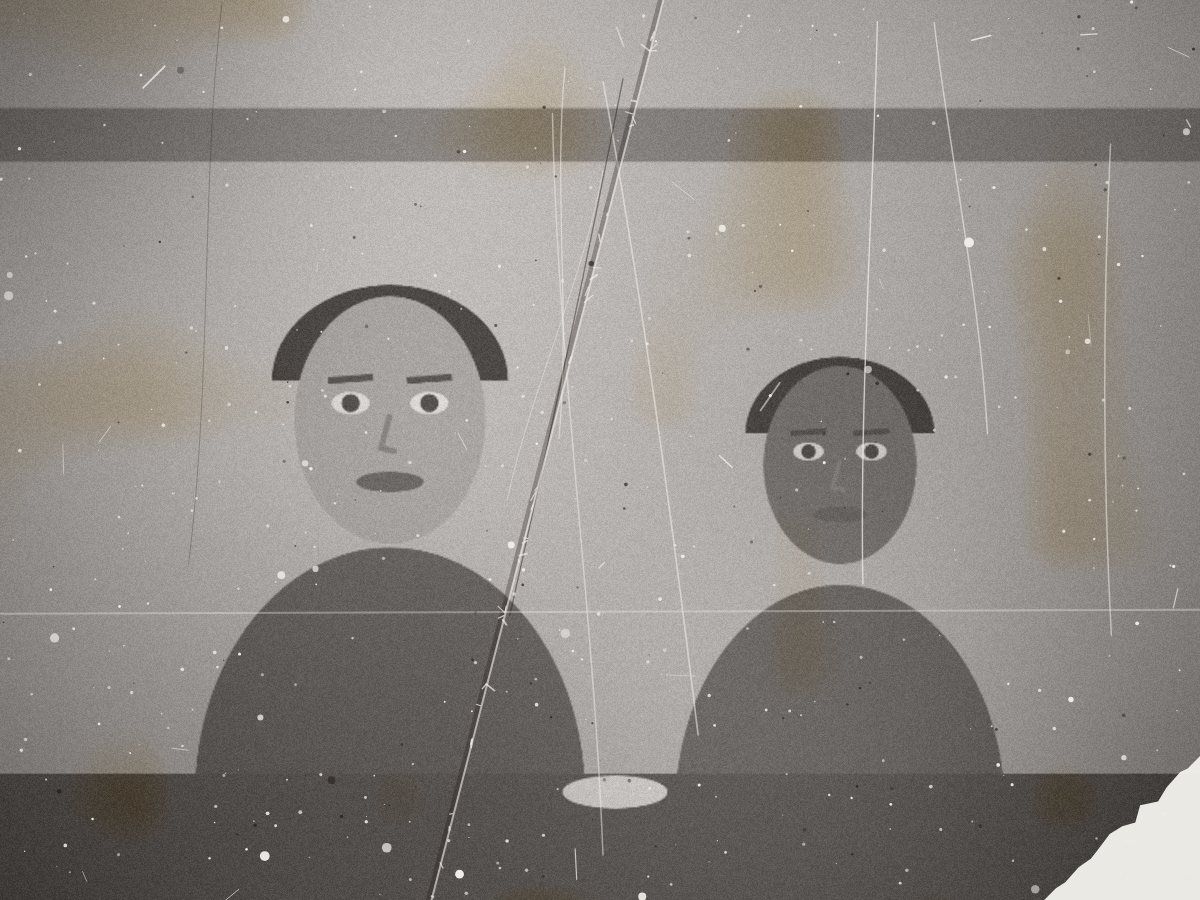 (opens the sample image in a new tab)
1200 × 900 px · grey JPEG scratches, dust, a crease, faded
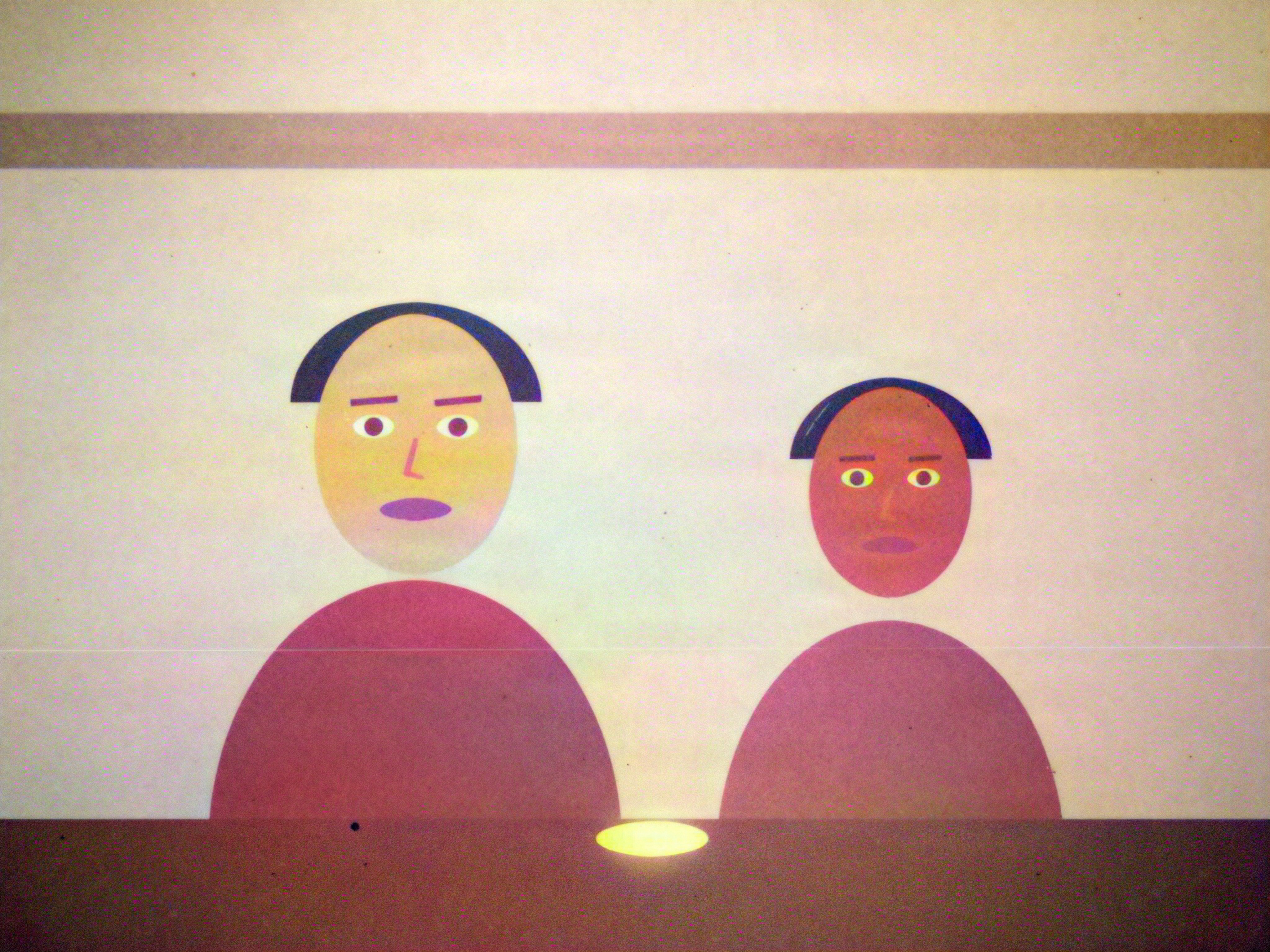 (opens the recorded result in a new tab)
repaired first, then coloured the restored detail kept under the new colour
What this tool does
Drop in a black and white or sepia photo — a scan or a phone picture of the print, JPG, PNG or WebP up to 12 MB — and you see it straight away. "Add colour" is already ticked, and so are the two repair switches: the AI first removes scratches, dust and creases and brings back faded contrast, then a colourisation model (DDColor) paints in natural colours, keeping the restored detail. The result appears next to the original with a slider to compare them. It costs 3 credits, shown on the button before you run it, and nothing is charged if the run fails. The colours are the model's best guess, not a record of the real ones. The photo goes to our AI provider for this one run; our copy and the result are deleted after two hours, and the download is marked as AI-edited in its metadata.
If this image shows a real person, the result is an AI-manipulated image of that person. It is labelled as AI-edited in its metadata, and you are responsible for having their consent.
What happens to your file
Deleted from our servers after 2 hours. We do not train AI on your files, and the terms of our AI providers do not allow them to; they may keep request logs for up to 55 days, longer for a request they flag for abuse.
Uploads and outputs are deleted after 2 hours, whether or not you download them. Provider request logs are kept for at most 55 days. Details on the privacy page.
Questions
How does it colourise a black and white photo?
In two steps, in one run. An AI photo-restoration model first repairs the print — scratches, dust, creases, fading. Then DDColor, a colourisation model, predicts natural colours for skin, sky, grass, clothes and buildings from the shapes and shades in the picture, and those colours are laid over the restored photo so none of its detail is lost.
Are the colours accurate?
They are a plausible guess, not a record. A black and white photo holds no colour, so the AI chooses what is likely: a blue sky, green leaves, natural skin. It cannot know that a dress was red or a door was yellow. If you know the real colours, treat the result as a starting point.
Will it change the faces?
It can, a little. The repair step rebuilds damaged faces from what is left, so a restored face is the AI's best reading of the damage, not a recovery of the person. Compare the two with the slider before you keep it, and keep your original scan.
What does it cost, and do I need an account?
3 credits a photo, the repair and the colour together. You need a free account, because the models run on our servers; new accounts get 20 credits. The price is on the button before you run it, and nothing is charged if the run fails. Untick "Add colour" to restore without colouring, for the same price.
What happens to my photo, and is the result marked as AI-edited?
The photo is sent to our AI provider for this one run and is not kept there: fal.ai is asked not to store it, and Replicate, used only if fal is unavailable, deletes it within an hour. Our copy and the result are deleted after two hours, so download it soon. No visible watermark is added; the download carries metadata (content credentials, XMP and a provenance id) saying it was edited with AI.
Related tools
- Restore an old photoPhoto restoration with AI: remove scratches, dust, creases and tears, fix faded colours and sharpen an old photo, and add colour if you want it. 3 credits a photo.
- Remove an object or a person from a photoRemove an object or a person from a photo: paint over it and AI fills the gap, while the rest of your photo stays as it was. 3 credits a photo.
- Make a small image biggerEnlarge a small picture 2× or 4× for free without uploading it — the model runs on your own device. A better server version that rebuilds fine detail costs 2 credits an image.
- Remove the background from an imageRemove the background from a photo for free, with no upload and no sign-up: the AI runs in your browser. Get a transparent PNG, or white or any colour.