Make a screenshot look presentable
Drop a picture here
PNG, JPG or WebP · one file, up to 12 MB
No file to hand?
or paste it here (Ctrl+V)
Nothing is uploaded: it all happens in this browser.
Before and after
The same shot, before and after the frame.
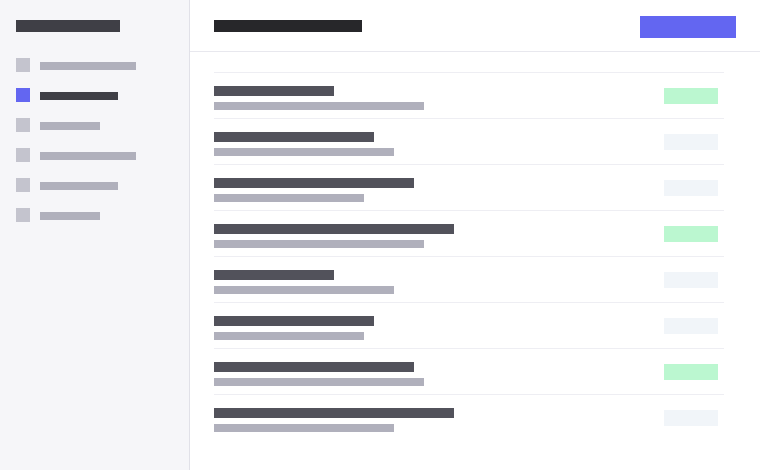 (opens the sample image in a new tab)
Edge to edge, no padding, hard corners. Fine in a bug report; poor in a slide, a blog post or a landing page.
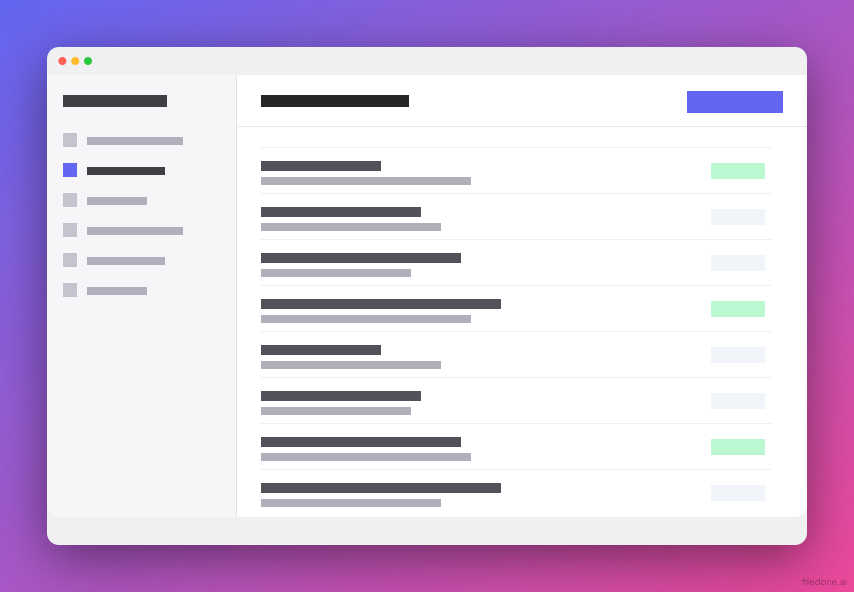 (opens the recorded result in a new tab)
Padding, a gradient behind it, rounded corners, a soft shadow and an optional window bar. Exported at 1× or 2×.
What this tool does
This tool takes a screenshot and puts it on a background, with padding around it, rounded corners, a soft drop shadow and — if you want one — a window bar with three dots or a plain device bezel. That is the whole tool. There is no AI in it, no model to download and no server involved; it is arithmetic on pixels, done in your browser, and it takes about a quarter of a second. You can export at normal size or at double size for a retina screen. The device bezel is drawn by us and is deliberately generic: it is not any particular phone, because no photo-real device frame set carries a licence that lets us ship it. Because there is no AI in it, the image you download is not marked as AI-generated: its metadata records human edits, and it should not be described as AI-made.
What happens to your file
Your file never leaves your device. This page opens it, changes it and saves the result in your browser; nothing is uploaded, so there is no copy on our servers to delete.
No AI provider sees it either. The page sends us one count that a run happened — no file, no name, no size. Details on the privacy page.
Questions
Is there any AI in this?
No, and the file says so. There is no model, no ONNX file and nothing to download — the tool is padding, a gradient, a rounded rectangle and a blur. The metadata written into the downloaded image records "human edits" rather than an AI label, because labelling something AI-made when it is not would be its own kind of false label.
Does my screenshot get uploaded?
No, and on this page there is not even a server tier to upload to. The whole thing happens in your browser. We count that a run happened and nothing else.
Which device frames can I use?
A generic bezel that we drew, and a window bar in light or dark. There is no iPhone, no Pixel and no MacBook frame here. The well-known device frame sets are either distributed with no licence at all or mix press assets from the manufacturers, so shipping them would mean shipping someone else's artwork without permission.
What mark does it put on the image?
A small, faint "filedone.ai" in the bottom-right corner, and nothing else. On the AI tools the legal label already names this site, so a second brand mark would just be clutter; here there is no AI label to carry the name, so the brand name is the mark. There is no cryptographic signature — nothing on the free tier is signed.
How big is the output?
Your screenshot plus the padding you chose, at 1× or 2×. The sample on this page went from 760×470 to 854×592 with a tenth of padding and a light window bar, in 0.23 seconds. At 2× the same settings give 1,708×1,184.
Related tools
- Remove the background from an imageRemove the background from a photo for free, with no upload and no sign-up: the AI runs in your browser. Get a transparent PNG, or white or any colour.
- Make a small image biggerEnlarge a small picture 2× or 4× for free without uploading it — the model runs on your own device. A better server version that rebuilds fine detail costs 2 credits an image.