Crop an image online, in your browser
Drop a picture here
PNG, JPG or WebP · one file, up to 12 MB
No file to hand?
or paste it here (Ctrl+V)
Nothing is uploaded: it all happens in this browser.Your picture’s hidden details (camera, GPS location, date) are not kept in the download.
Before and after
The same photo, cropped for a YouTube thumbnail.
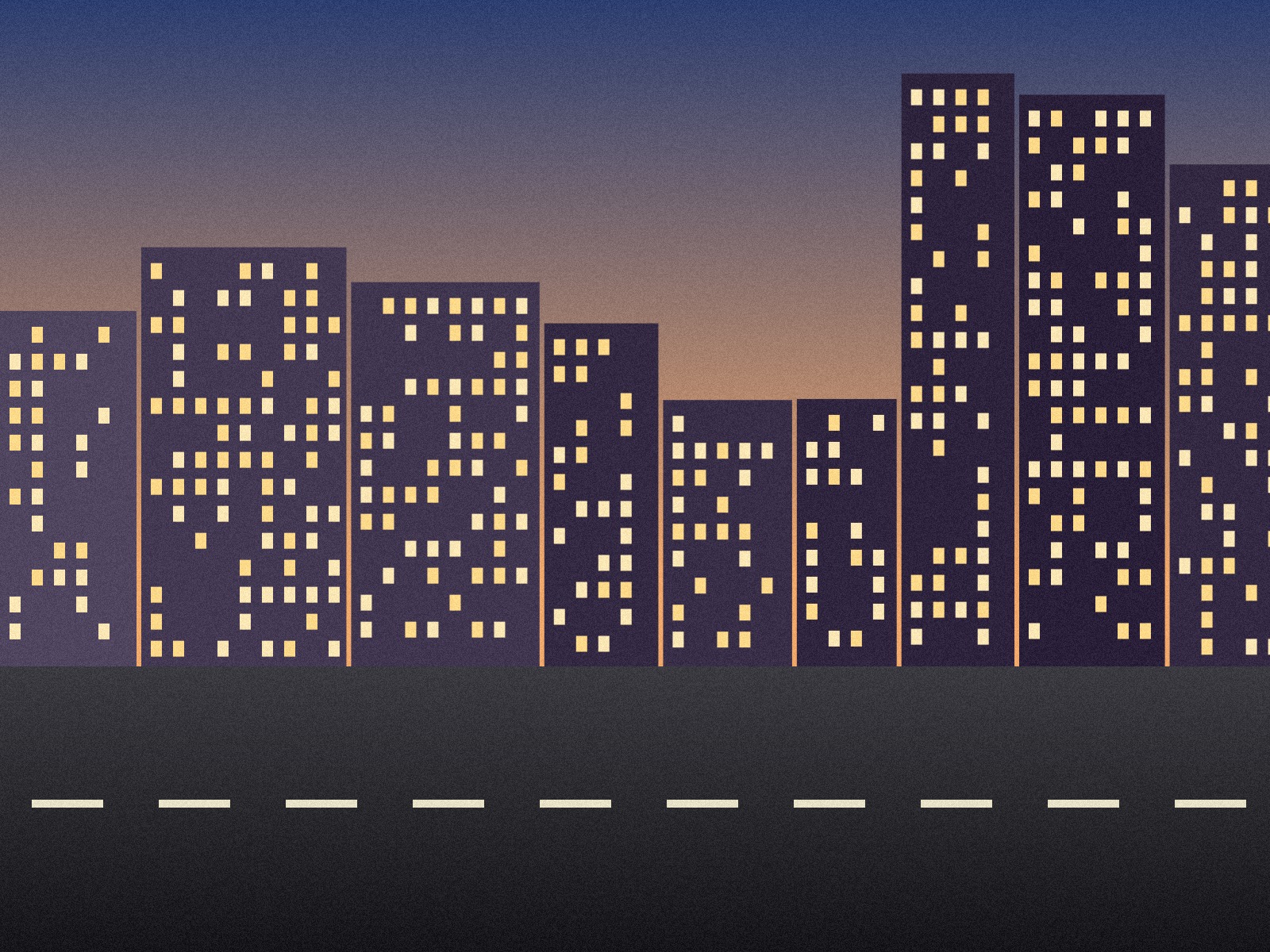 (opens the sample image in a new tab)
1600 × 1200 px · 658 KB JPEG 4:3, an invented street at dusk
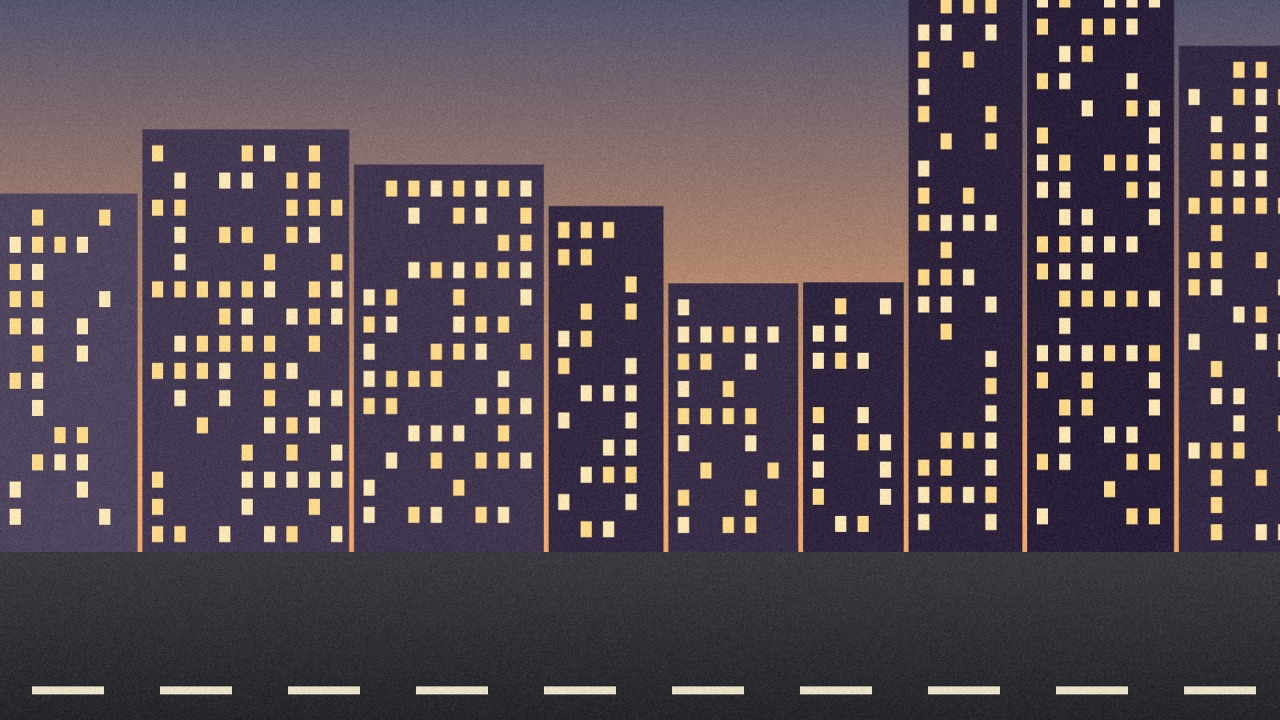 (opens the recorded result in a new tab)
1280 × 720 px · 283 KB JPEG the middle band of the photo, saved at the site's size
What this tool does
Pick a picture and a box appears on it. Drag the box to move it and its handles to resize it, or type the position and size in pixels; the numbers under the picture are the size of the file you will download. Choose a ratio — free, 1:1, 4:5, 4:3, 3:2, 16:9, 9:16 or 3:4 — or a size for a site (an Instagram post or story, a Facebook cover, an X header, a YouTube thumbnail, a LinkedIn banner, a Pinterest pin), and the box keeps that shape; for a site size the result can be saved at exactly its pixels, though never enlarged. Rotate a quarter turn, flip, or straighten by up to 45 degrees. Cut a rectangle or a circle, and save as JPEG, PNG or WebP. The crop is taken from the full picture, not from the preview, and a crop with no straightening keeps the original's pixels exactly. Everything happens in your browser: nothing is uploaded, no watermark is added, and the original's EXIF data is removed.
What happens to your file
Your file never leaves your device. This page opens it, changes it and saves the result in your browser; nothing is uploaded, so there is no copy on our servers to delete.
No AI provider sees it either. The page sends us one count that a run happened — no file, no name, no size. Details on the privacy page.
Questions
Does my picture get uploaded?
No. The page opens the picture, crops it and saves the result inside your browser tab; nothing is uploaded and there is no copy on our servers. The only thing the page sends us is a count that a run happened — no picture, no file name, no size.
How do I crop to an exact size in pixels?
Type the X and Y position and the width and height into the four boxes under the picture, or drag and watch the readout: it shows the size of the file you will download, in the picture's own pixels. Tick "Lock ratio" to keep the shape while you type one side. To choose a site's size, pick it from the size list: the box takes its shape, and the result can be saved at exactly those pixels.
Can I use the keyboard instead of dragging?
Yes. Press Tab until the crop box is selected; the arrow keys move it one pixel at a time, or ten with Shift held, and the arrow keys with Alt (Option on a Mac) resize it. The position and size boxes, the ratio buttons and the rotate and flip buttons all work from the keyboard too.
Will it make my picture blurry?
Not if you crop without straightening: the pixels inside the box are copied exactly, and JPEG and WebP are saved at the quality you choose (92 unless you change it; PNG loses nothing). Straightening by a few degrees has to redraw the picture, which softens it very slightly. A site size is only ever reached by making the crop smaller, never by enlarging it.
Does it add a watermark?
No visible mark or watermark is added. The file does carry a small metadata record (XMP) saying it was made with filedone.ai with human edits and no AI, with a provenance id. The original's hidden EXIF data — camera model, GPS location, date — is removed, because the picture is re-encoded.
Related tools
- Resize an image by pixels, percent or centimetresResize a JPG, PNG or WebP to exact pixels, a percentage, or a printed size in cm, mm or inches at any dpi. Runs in your browser; nothing is uploaded.
- Compress an image to a target size in KBMake a photo smaller than 20, 50, 100 or 200 KB — or any size you type — without uploading it. Or pick a quality and see the size first.
- Remove the background from an imageRemove the background from a photo for free, with no upload and no sign-up: the AI runs in your browser. Get a transparent PNG, or white or any colour.
- Remove an object or a person from a photoRemove an object or a person from a photo: paint over it and AI fills the gap, while the rest of your photo stays as it was. 3 credits a photo.
- Make a small image biggerEnlarge a small picture 2× or 4× for free without uploading it — the model runs on your own device. A better server version that rebuilds fine detail costs 2 credits an image.