Crop an image into a circle
Drop a picture here
PNG, JPG or WebP · one file, up to 12 MB
No file to hand?
or paste it here (Ctrl+V)
Nothing is uploaded: it all happens in this browser.Your picture’s hidden details (camera, GPS location, date) are not kept in the download.
Before and after
The same picture, cut to a circle.
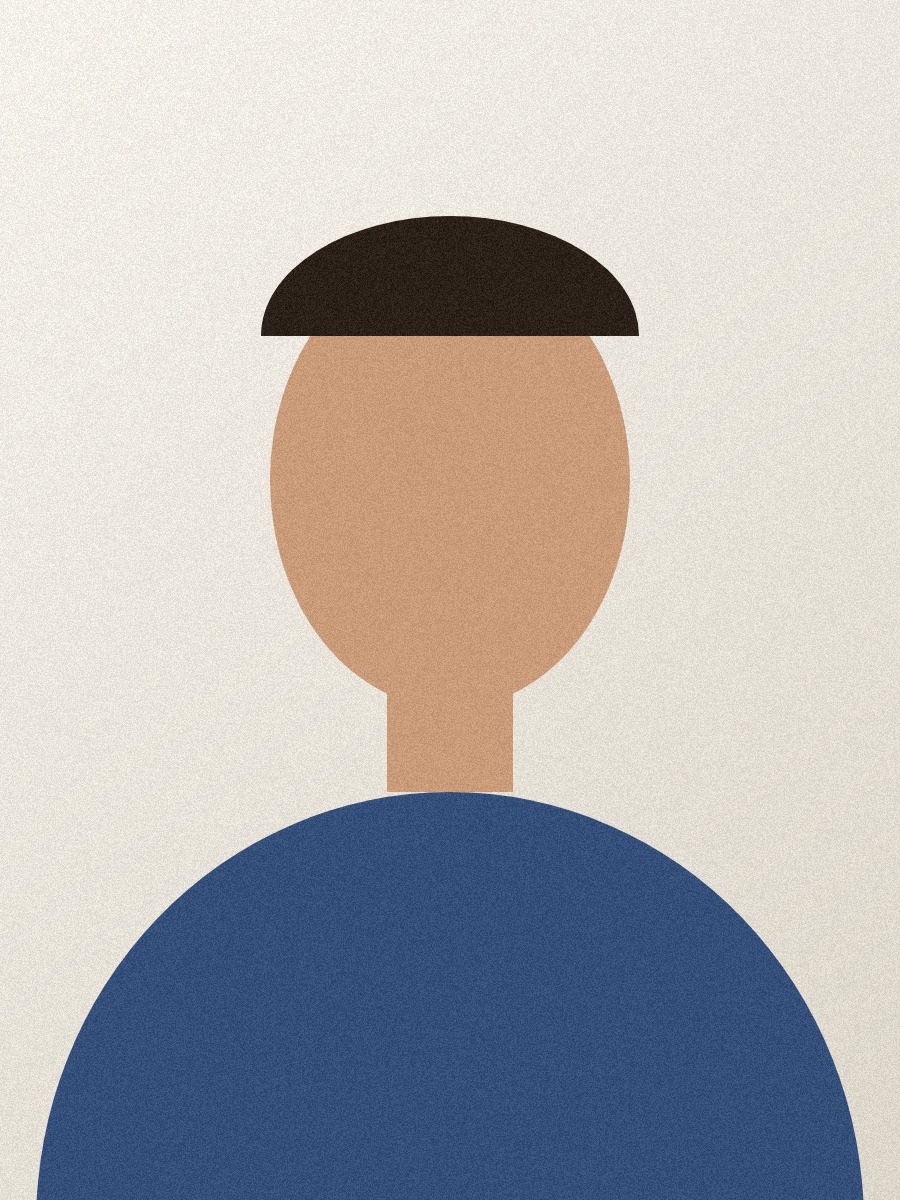 (opens the sample image in a new tab)
900 × 1200 px JPEG a drawn head-and-shoulders shape
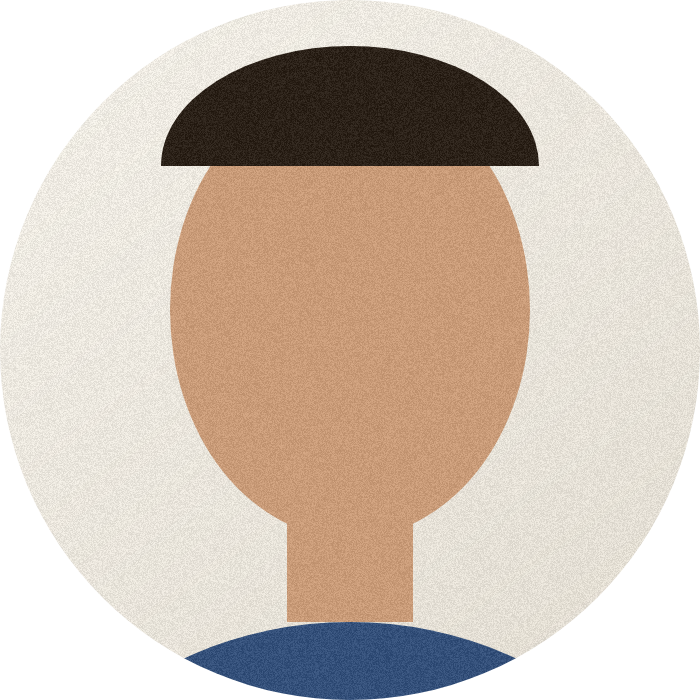 (opens the recorded result in a new tab)
700 × 700 px PNG see-through outside the circle
What this tool does
Pick a picture and a square box with a circle in it appears. Drag the box to the face or the logo you want and its handles to make it bigger or smaller, or type the position and size in pixels; the circle is always the largest one that fits the square. Rotate, flip or straighten the picture first if it needs it. The result is a PNG (or a WebP) that is transparent outside the circle, so it sits on any background; if you choose JPEG, which cannot be transparent, the corners are white and the page says so. The crop is taken from the full picture, not from the preview. Everything happens in your browser: nothing is uploaded, no watermark is added, and the original's EXIF data is removed.
What happens to your file
Your file never leaves your device. This page opens it, changes it and saves the result in your browser; nothing is uploaded, so there is no copy on our servers to delete.
No AI provider sees it either. The page sends us one count that a run happened — no file, no name, no size. Details on the privacy page.
Questions
Does my picture get uploaded?
No. The page opens the picture, cuts the circle and saves the result inside your browser tab; nothing is uploaded and there is no copy on our servers. The only thing the page sends us is a count that a run happened — no picture, no file name, no size.
Why is the result a PNG?
Because a PNG can be see-through: everything outside the circle is transparent, so the round picture sits cleanly on any colour. WebP can be transparent too. JPEG cannot, so if you choose it the corners are filled with white, and the page tells you so.
Can I make an oval instead of a circle?
Not on this page: the circle is cut from a square box, so it is always round. For a rectangle with a ratio of your choice, switch the shape to Rectangle — the same page does both.
How big should a round profile picture be?
Most sites show profile pictures small but store them larger; 400 to 1000 pixels across is a safe size for almost all of them. The readout under the picture shows the size of the file you will download, in the picture's own pixels, while you drag.
Does it add a watermark?
No visible mark or watermark is added. The file does carry a small metadata record (XMP) saying it was made with filedone.ai with human edits and no AI, with a provenance id. The original's hidden EXIF data — camera model, GPS location, date — is removed, because the picture is re-encoded.
Related tools
- Crop an image online, in your browserCrop a JPG, PNG or WebP by dragging a box or typing exact pixels, with 1:1, 4:5, 16:9 and social media sizes, rotate and flip. Runs in your browser; nothing is uploaded.
- Remove the background from an imageRemove the background from a photo for free, with no upload and no sign-up: the AI runs in your browser. Get a transparent PNG, or white or any colour.
- AI headshots from your selfiesAI headshot generator: turn one to four selfies into professional headshots for LinkedIn, a CV or a company page. 4 headshots for 20 credits or 8 for 34.
- Resize an image by pixels, percent or centimetresResize a JPG, PNG or WebP to exact pixels, a percentage, or a printed size in cm, mm or inches at any dpi. Runs in your browser; nothing is uploaded.
- Compress an image to a target size in KBMake a photo smaller than 20, 50, 100 or 200 KB — or any size you type — without uploading it. Or pick a quality and see the size first.